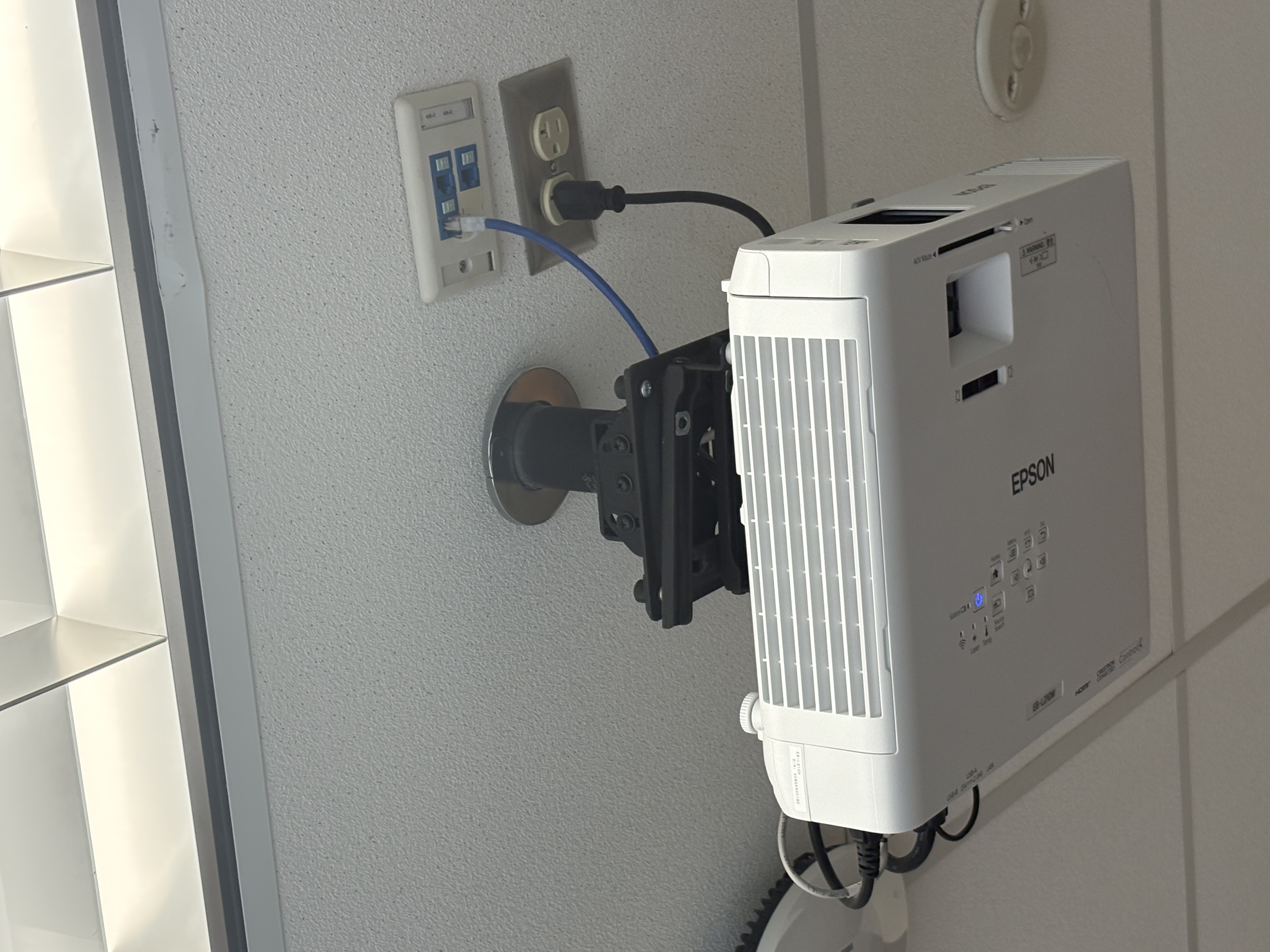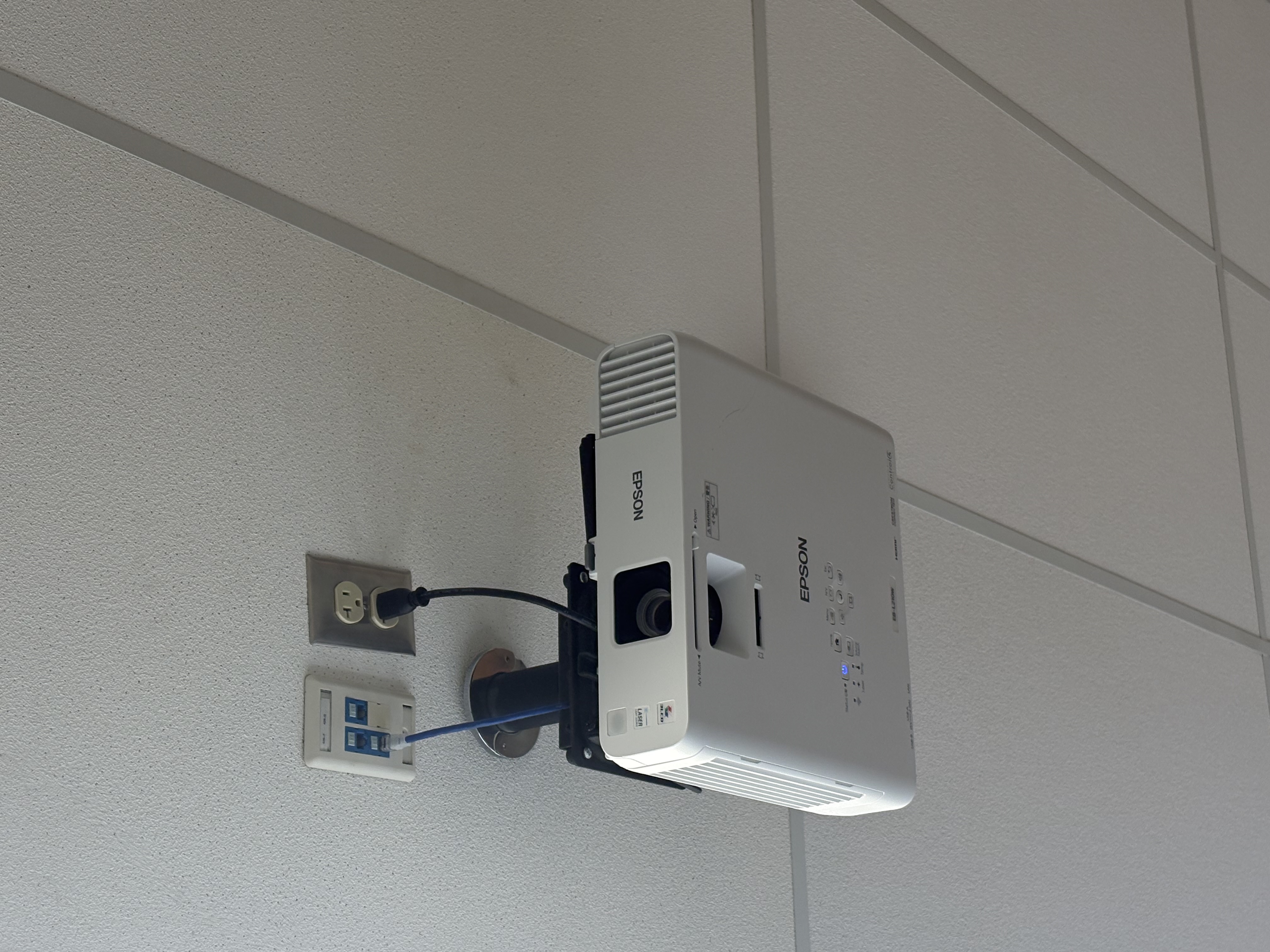
- Turn on the projector: press the power button on the projector or the remote. Wait for the lamp to warm up and the image to appear.
- Select the input: press the "Source" or "Input" button on the remote or projector and choose HDMI, VGA, or USB depending on your connection.
- Connect your device: plug in HDMI or VGA from your computer. On the computer, enable external display or mirror the screen if needed.
- Adjust the image: use the focus and zoom rings on the lens to sharpen and size the picture; use the keystone or auto-keystone to correct trapezoid distortion.
- Set audio and volume: if sound is needed, connect audio to the projector or your speakers and adjust the volume on the remote or projector.
- Turn off safely: press the power button, confirm shutdown if prompted, then wait for the projector's cooling cycle to finish before unplugging.